



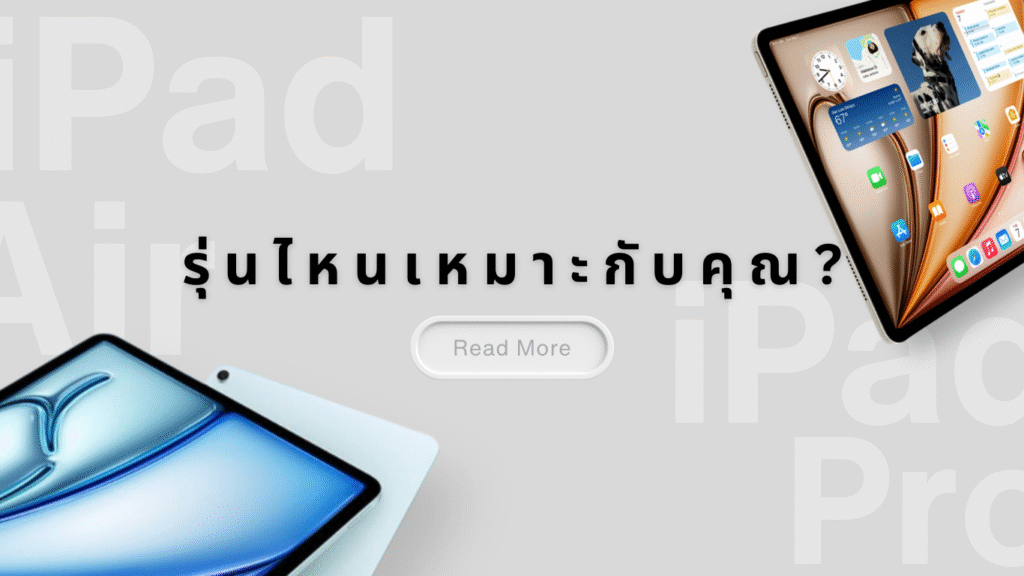
Choosing between the new iPad Air with the M3 chip and the iPad Pro with the M4 chip can be difficult. Both models are powerful, support Apple Pencil Pro and the new Magic Keyboard, and are great for work and study. However, they are designed for slightly different users.
The main differences are in the chip, screen quality, and professional features. These things can affect how you use the device in the long term. This article explains the key differences and helps you decide which model fits you best.
Key Specification Comparison
| Feature | iPad Air (M3) | iPad Pro (M4) |
|---|---|---|
| Display size | 11″ or 13″ Liquid Retina | 11″ or 13″ Ultra Retina XDR (OLED) |
| Refresh rate | 60Hz | 120Hz (ProMotion) |
| Processor (Chip) | Apple M3 (8-core CPU / 9-core GPU / 16-core NPU) | Apple M4 (9-core to 10-core CPU / 10-core GPU) |
| RAM | 8GB | 8GB (256GB storage) / 16GB (512GB and above) |
| Display brightness | ~600 nits | Up to 1,000 nits (SDR) / 1,600 nits (HDR) |
| Neural Engine | 16-core, 38 TOPS | 16-core, 38 TOPS |
| Front & rear cameras | 12MP front Center Stage / 12MP rear camera | 12MP rear camera + TrueDepth front camera / LiDAR Scanner |
| Authentication | Touch ID on top button | Face ID with TrueDepth Camera System |
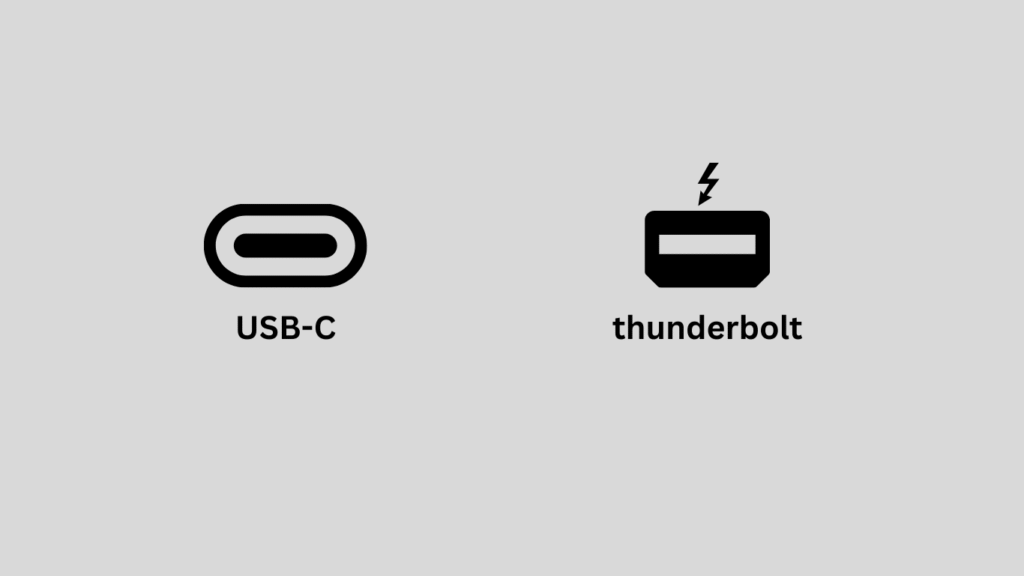
| Ports & connectivity | USB-C, supports Apple Intelligence and external display | USB-C / Thunderbolt, Wi-Fi 6E, 5G eSIM support |
| Accessory support | Apple Pencil Pro, Magic Keyboard for Air | Apple Pencil Pro, Magic Keyboard for Pro |
| Material & weight | Lightweight aluminum | Titanium body, thinner; Nano-texture glass available on some models |
| Starting price | Approx. ฿21,900 (11″, 128GB) | Approx. ฿37,900 (11″, 256GB) |
Performance & Real-World Usage
- Geekbench 6 CPU scores (latest benchmarks):
- iPad Air (M3): ~3,037 (Single-core), ~11,776 (Multi-core)
- iPad Pro (M4): ~3,767 (Single-core), ~14,677 (Multi-core)
These results clearly show that the iPad Pro (M4) delivers noticeably higher performance, especially for intensive workloads and professional applications.
- Apps that truly shine on iPad Pro:
- Final Cut Pro
- Logic Pro
- Adobe Creative Cloud
- Procreate
- Blender
These apps take full advantage of the M4 chip’s power, making the iPad Pro a strong choice for creators, designers, and professionals who need desktop-level performance on a tablet.
- Average battery life (based on Apple’s official data):
- Both models offer up to 10 hours of typical usage, such as web browsing, video streaming, and document editing.
Note: At the moment, independent verification for GPU benchmark scores (3DMark / Metal) and battery performance in specific real-world scenarios is still unavailable.
Storage, Pricing & Value Comparison
| Model / Storage | Wi-Fi (THB) | Wi-Fi + Cellular (THB) |
|---|---|---|
| iPad Air 128GB | ฿21,900 | ฿27,900 |
| iPad Air 256GB | ฿25,900 | ฿31,900 |
| iPad Air 512GB | ฿29,900 | ฿38,900 |
| iPad Pro 256GB | ฿37,900 | ฿44,900 |
| iPad Pro 512GB | ฿42,900 | ฿49,900 |
| iPad Pro 1TB | ฿51,900 | ฿57,900 |
Limitations You Should Know
iPad Air (M3) – Key Limitations
- Display: While the Liquid Retina display is sharp and vibrant, it does not support ProMotion (120Hz refresh rate) like the iPad Pro. This means scrolling and animations may feel slightly less smooth compared to the Pro model.
- Camera: The rear and front cameras are perfectly fine for everyday use, but they fall short compared to the iPad Pro, which features more advanced camera technology for professional-grade photography and video.
- Audio System: iPad Air comes with dual stereo speakers, whereas the iPad Pro offers quad speakers, delivering richer and more immersive surround sound.
- Ports & Connectivity: Although it uses USB-C, the iPad Air does not support Thunderbolt / USB4. This limits data transfer speeds and compatibility with high-end professional accessories.
- Advanced Features: The iPad Air lacks a LiDAR Scanner, which helps with depth sensing and enhances AR applications—something the iPad Pro includes.
- Price & Value: Despite having a powerful M3 chip, the iPad Air is significantly more affordable than the iPad Pro. It’s a great choice for general users, but professionals who need advanced features may want to consider upgrading to the Pro model.
iPad Pro (M4) – Key Limitations
- Higher Price: The biggest drawback is its premium price, which is much higher compared to the iPad Air.
- Overkill for Some Users: Not everyone needs pro-level features like LiDAR, ProMotion, or Thunderbolt/USB4. For casual users, the iPad Pro may be more power than necessary.
- Battery Life Under Heavy Use: While Apple rates both models at around 10 hours of battery life, intensive tasks such as 4K video editing or 3D rendering can drain the battery faster.
- Size & Weight: The iPad Pro is slightly larger and heavier than the iPad Air, which may affect portability and comfort during long usage sessions.
- Accessories Required: To unlock its full potential, additional accessories may be needed, such as Magic Keyboard or Thunderbolt adapters, which add to the overall cost.
Who Is Each Model For?
iPad Air (M3) – Best For
- Students and general users who mainly use their iPad for note-taking, online learning, and virtual meetings
- Those who prioritize portability for everyday use
- Users who want to pair their iPad with Apple Pencil for drawing, handwriting notes, or document work
- Anyone looking for an Apple Intelligence–ready device at a more affordable price point
iPad Pro (M4) – Best For
- Professional designers, photographers, and creative workers who need a pro-grade display
- Users who require high performance for video editing, photo retouching, and graphic rendering
- Those who want to use an iPad as their primary work device instead of a laptop
- Users who value color accuracy, premium audio quality, and full external device connectivity
Key Factors to Consider Before Buying
Even though both iPad models offer strong performance, the right choice depends more on how you actually plan to use it. Here are the main factors to consider:
- Budget: If you want a versatile device at a more affordable price, iPad Air is a great value option. However, if you need professional-level performance, iPad Pro is better suited for demanding workloads.
- Type of Work: For everyday tasks, studying, or online meetings, iPad Air is more than sufficient. But if your work involves video editing, 3D graphics, or heavy creative tasks, the iPad Pro will deliver significantly better performance.
- Display Quality: If color accuracy and high brightness are important for your photo or video work, iPad Pro offers a superior display compared to iPad Air.
- Long-Term Use: If you plan to use your iPad as a laptop replacement or as your main work device in the long run, the iPad Pro provides better future-proofing and room to grow with your needs.
Recommended Accessories
To get the most out of your iPad, consider using these essential accessories:
| Accessory | Recommended For | Notes |
|---|---|---|
| Apple Pencil Pro | Both models | Ideal for drawing, note-taking, and precise document signing |
| Magic Keyboard | Both models (choose the compatible version) | Turns your iPad into a compact laptop-like device |
| Smart Folio / Case | All models | Protects your iPad from scratches and improves usability |
| USB-C Hub | Mainly iPad Pro | Allows connection to external displays, SD cards, and HDM |
Frequently Asked Questions (FAQ)
Q: Is iPad Air (M3) suitable for professional work?
A: For general tasks such as document editing, drawing, and online learning, the iPad Air (M3) is more than capable. However, for professional workloads like 4K video editing or 3D graphics, we recommend choosing the iPad Pro for better performance.
Q: Is iPad Pro (M4) worth it for general users?
A: The iPad Pro (M4) may be overkill for casual users. If you don’t regularly work with heavy graphics or demanding applications, the iPad Air offers better value for money.
Q: Do both models support Apple Pencil Pro?
A: Yes. Apple Pencil Pro is compatible with both iPad Air (M3) and iPad Pro (M4). Just make sure to choose the correct accessory version that matches your device.
Q: Does the display difference between iPad Air and iPad Pro really matter?
A: The iPad Pro features an OLED display with ProMotion 120Hz, making it ideal for tasks that require high color accuracy and smooth motion, such as video editing, photography, and animation.
Meanwhile, the iPad Air still delivers excellent display quality for everyday use.
Q: What do I get when purchasing an iPad from Blesssky Connexion?
A: You’ll receive official Thai products with receipts and warranty. We also provide professional consultation, full accessory bundles, nationwide delivery, and official quotations for organizations.
Blesssky Connexion Services
Blesssky Connexion offers end-to-end support to help you choose the right iPad for your personal or business needs:
- Official iPads from authorized Thai distributors with warranty & receipt
- Customized accessory bundles based on your usage
- Expert advice for individuals and organizations
- Nationwide delivery and official quotation services for corporate clients
Contact Us
Phone: 02-679-8877
Email: retail@blesssky.com
Website Inquiry: https://blesssky.com/request-a-quote/