



When you’re deciding to buy or upgrade a computer, one of the most important components to consider is the CPU (Central Processing Unit)—the “brain” of your machine. It processes every command, whether it’s launching applications, running games, or handling graphics work. So you might wonder:
- Which CPU model best fits your needs?
- What’s the difference between Core i3, i5, i7, i9, and Ultra 7?
- How much processing power gives you the best value for your budget?
This guide will break down how CPUs work in simple, clear terms and offer practical advice to help you choose the right chip for your requirements.
CPU (Central Processing Unit): The Heart of Your Computer
Think of the CPU as your computer’s brain. It handles and directs every task—from launching applications and typing documents to watching videos and running complex software. The speed and efficiency of your CPU directly affect how smoothly your system performs: the more powerful the processor, the faster and more responsive your computer will feel.
RAM (Random Access Memory): Your System’s Workspace
RAM functions like your desk—storing the data your computer needs right now. The more RAM you have, the more tasks you can juggle at once without slowdown. Just remember that everything in RAM is temporary: once you shut down or restart, its contents disappear.
Storage: Your Long-Term Filing Cabinet
Storage is where all your files and programs live permanently—like a filing cabinet for documents, photos, videos, and software. Even when your PC is turned off, everything stays put. Today’s options include:
- HDD (Hard Disk Drive): Offers large capacities at a lower cost.
SSD (Solid State Drive): Provides much faster access times and snappier overall performance.
Intel Core Lineup Explained
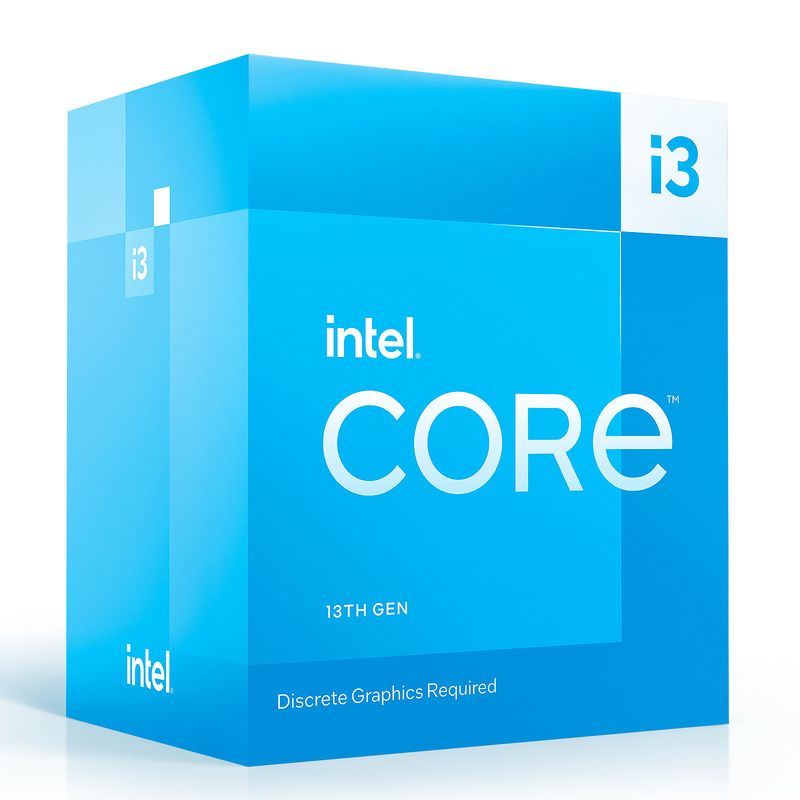
1. Intel Core i3 – Everyday tasks, web browsing, office work
- Dual- to quad-core
- energy-efficient
- supports DDR4/DDR5
- PCIe 4.0
- Recommended Models: Core i3-13100, Core i3-12100F
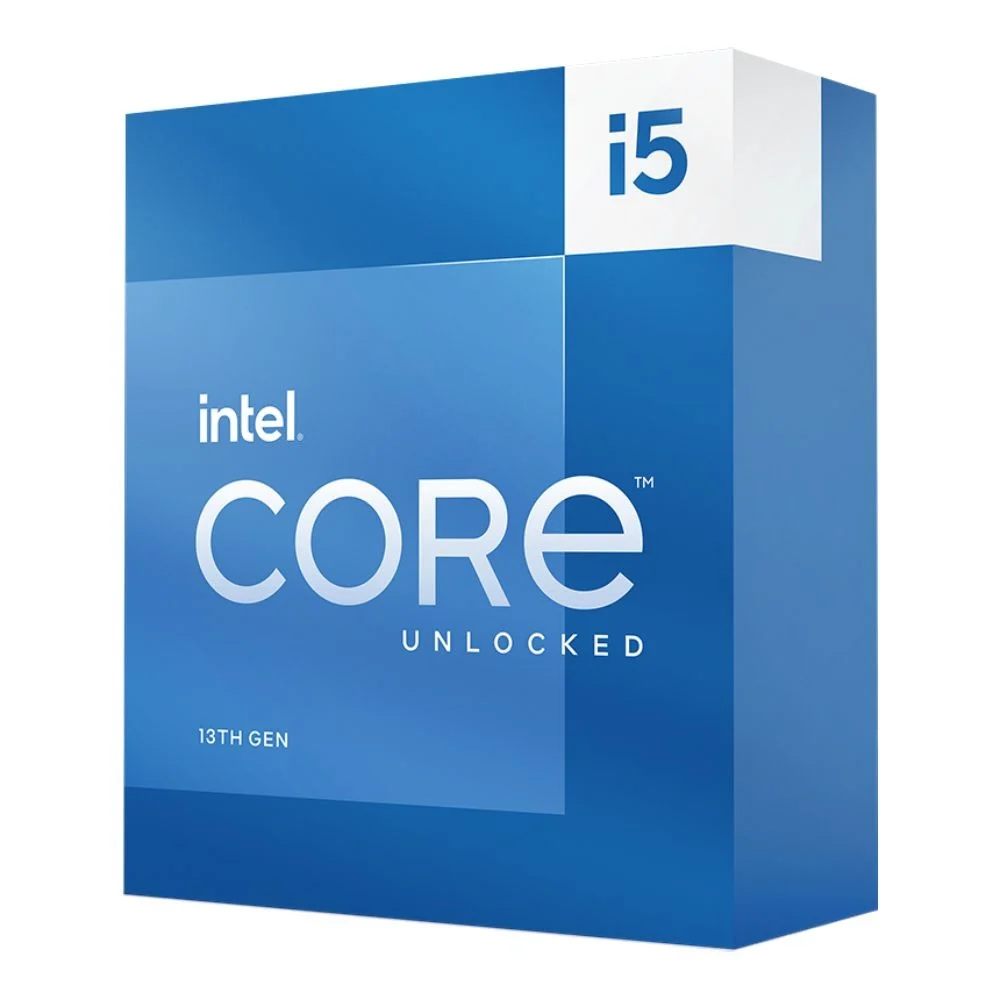
2. Intel Core i5 – Casual gaming, light video editing, multitasking
- More cores/threads
- Intel Turbo Boost
- balanced power vs. performance
- Recommended Models: Core i5-13600K, Core i5-12400F
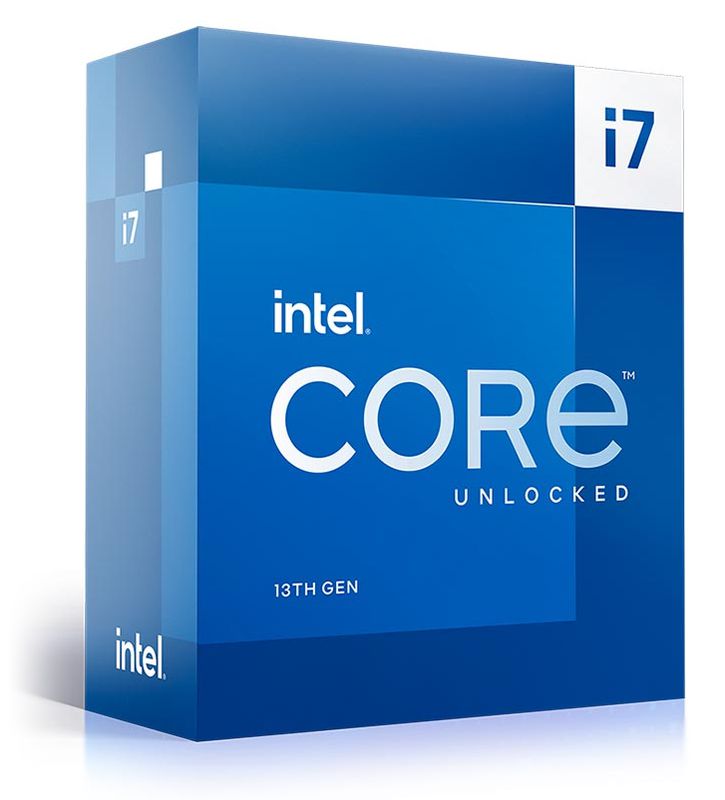
3. Intel Core i7 – Hardcore gaming, serious content creation
- High core counts
- PCIe 5.0 support
- excellent multi-threading
- Recommended Models: Core i7-13700K, Core i7-12700F
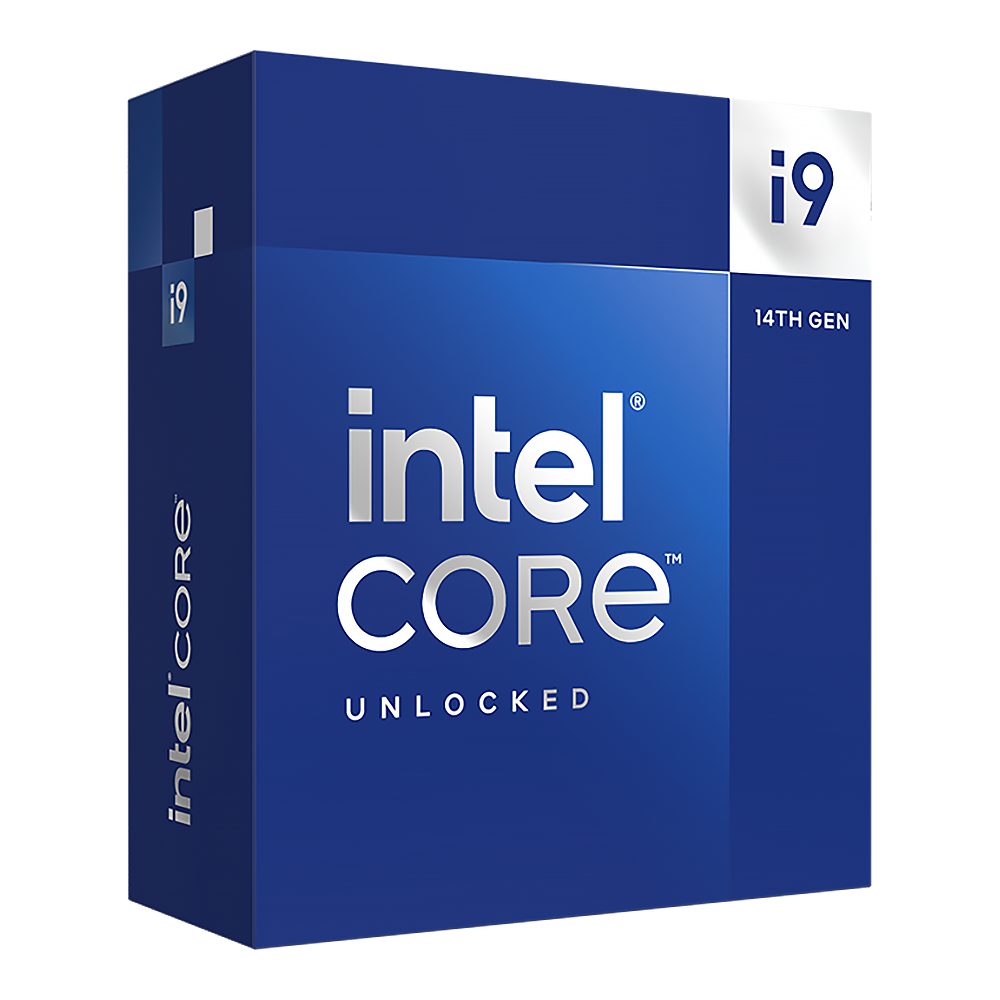
4. Intel Core i9 – Professional 3D rendering, 4K gaming, streaming
- Top-tier performance
- Thermal Velocity Boost
- lots of threads
- Recommended Models: Core i9-14900K, Core i9-13900KS
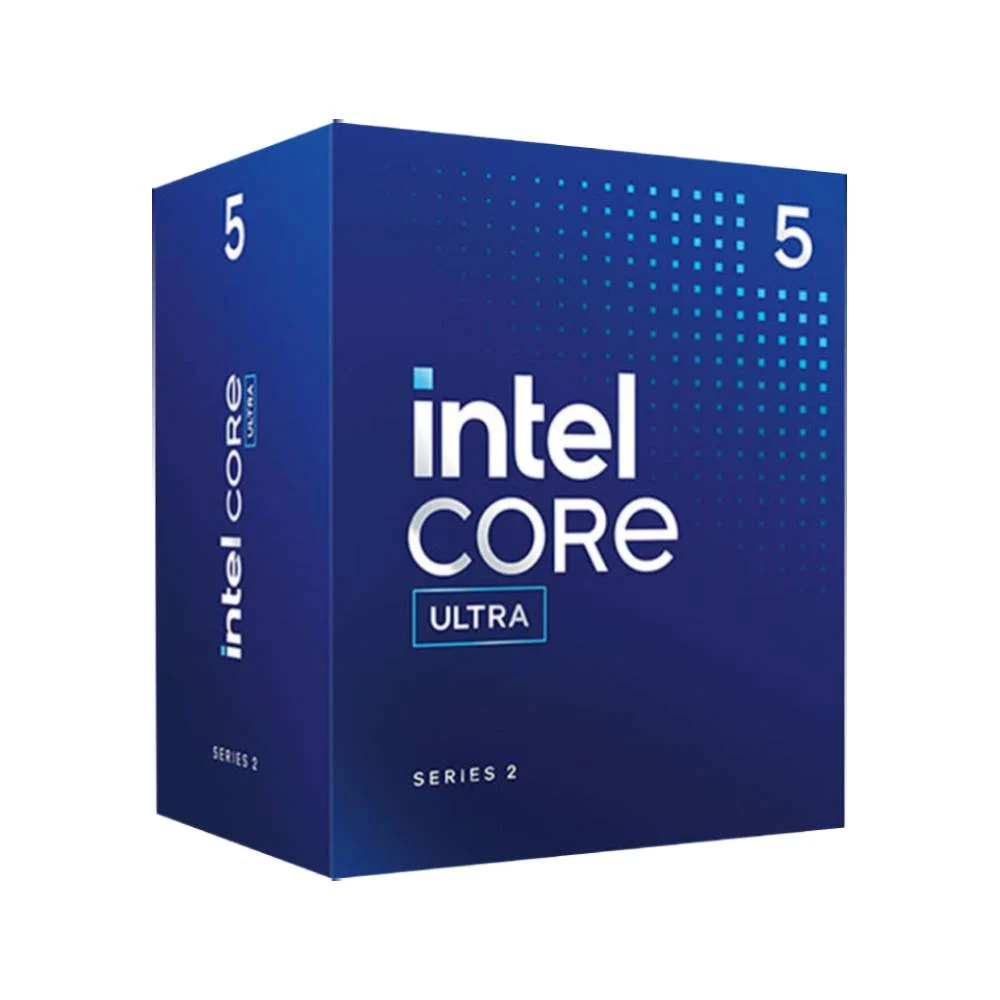
5. Intel Core Ultra 5 – Stepping up from i5-level performance
- Advanced multi-core boosts,
- DDR5 & PCIe 5.0
- Recommended Models: (New models under Ultra line)
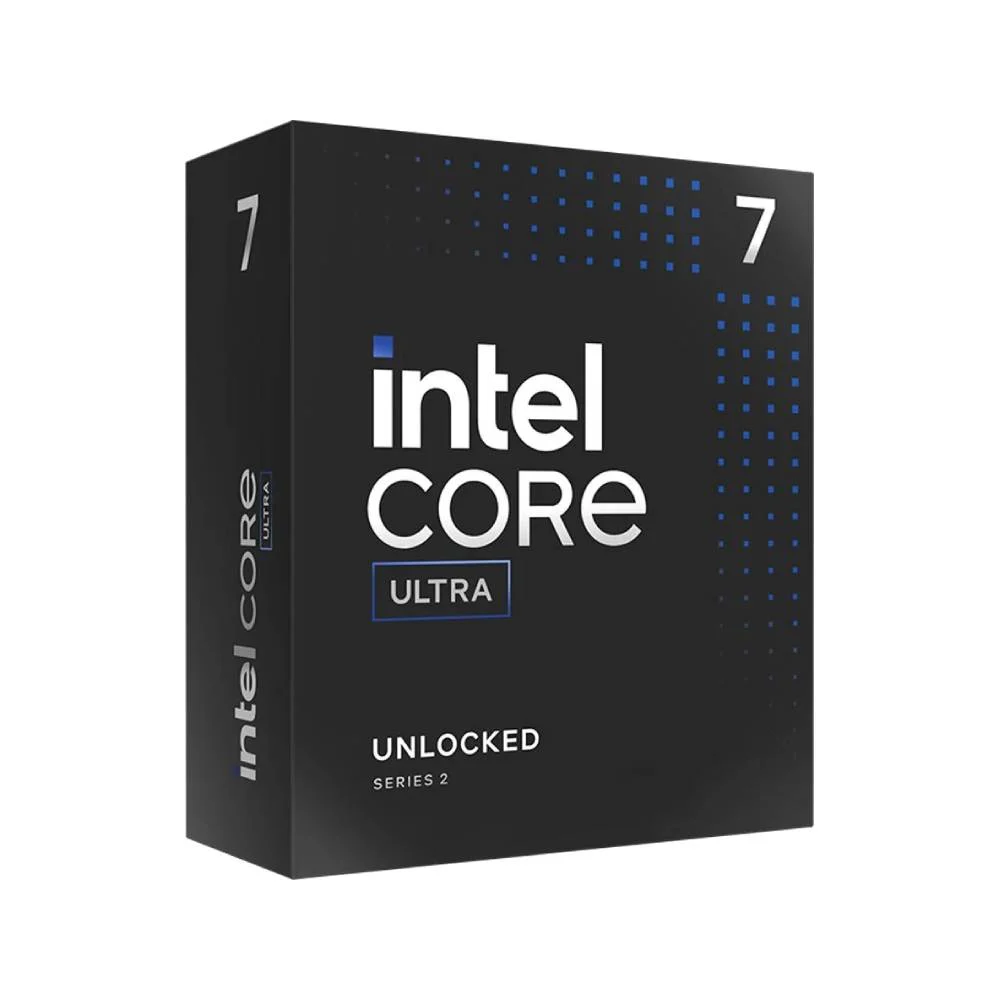
6. Intel Core Ultra 7 – Enthusiast and pro-level workloads
- Maximum cores/threads
- AI acceleration features
- Recommended Models: (Top Ultra series chips)
Intel vs. AMD: A Quick Comparison
| Factor | Intel Core | AMD Ryzen |
|---|---|---|
| Single-core speed | Slight edge in gaming and apps | Very competitive, sometimes a hair slower |
| Multi-core performance | Strong, especially in i7/i9 | Often excels in high-core Ryzen 7/9 |
| Power efficiency | Improved in 13th/14th Gen chips | Some Ryzen chips sip less power |
| Cutting-edge tech | PCIe 5.0, DDR5, advanced AI boosts | PCIe 5.0, DDR5 (in select models) |
| Value per dollar | Higher price, top gaming chops | Better multi-thread value |
If gaming is your priority, Intel Core series tends to lead in frame rates. For heavy-duty multi-threaded tasks like video rendering, AMD’s Ryzen 7 or 9 can offer more cores for the price.
Pairing Your CPU with a GPU
- Core i5 + RTX 4060 → Smooth Full-HD gaming at high refresh rates
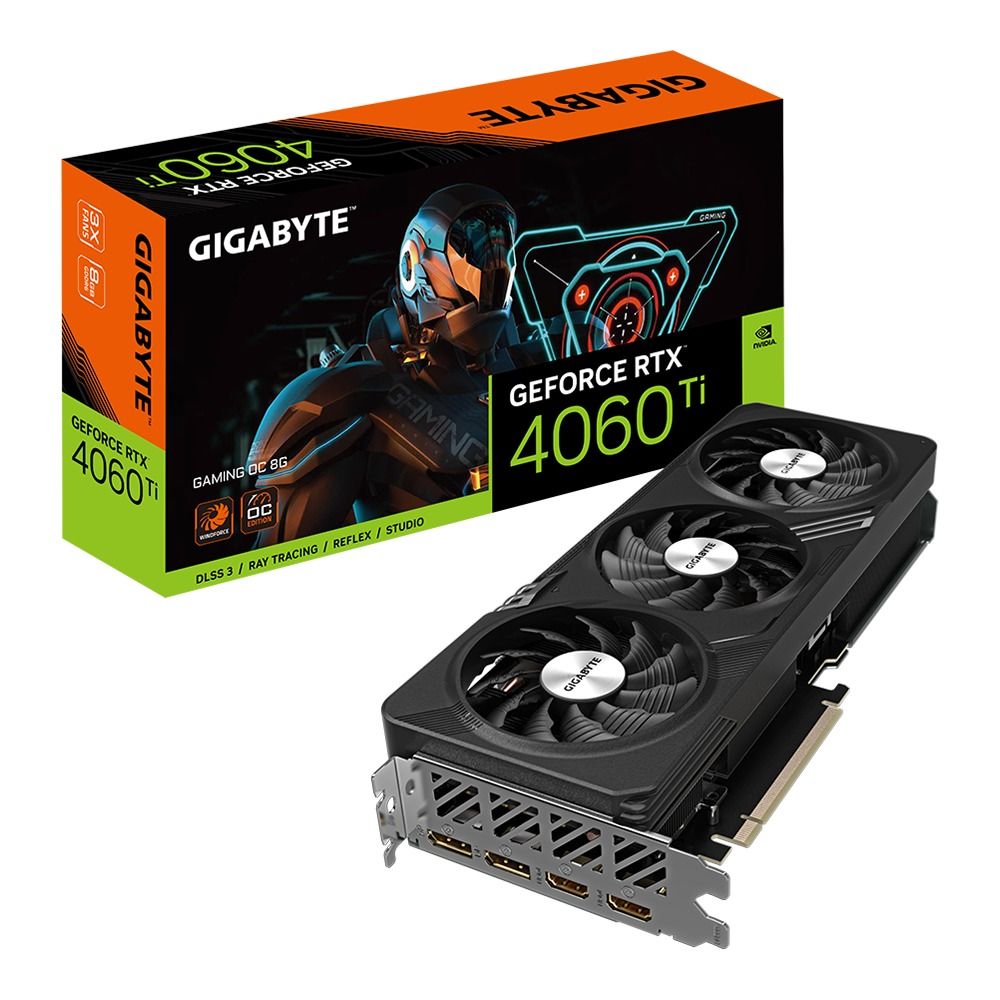
- Core i7 + RTX 4070 → Great for video editing, streaming, and 1440p gaming
- Core i9 + RTX 4090 → Ideal for 4K gaming, AI experiments, and 3D content work
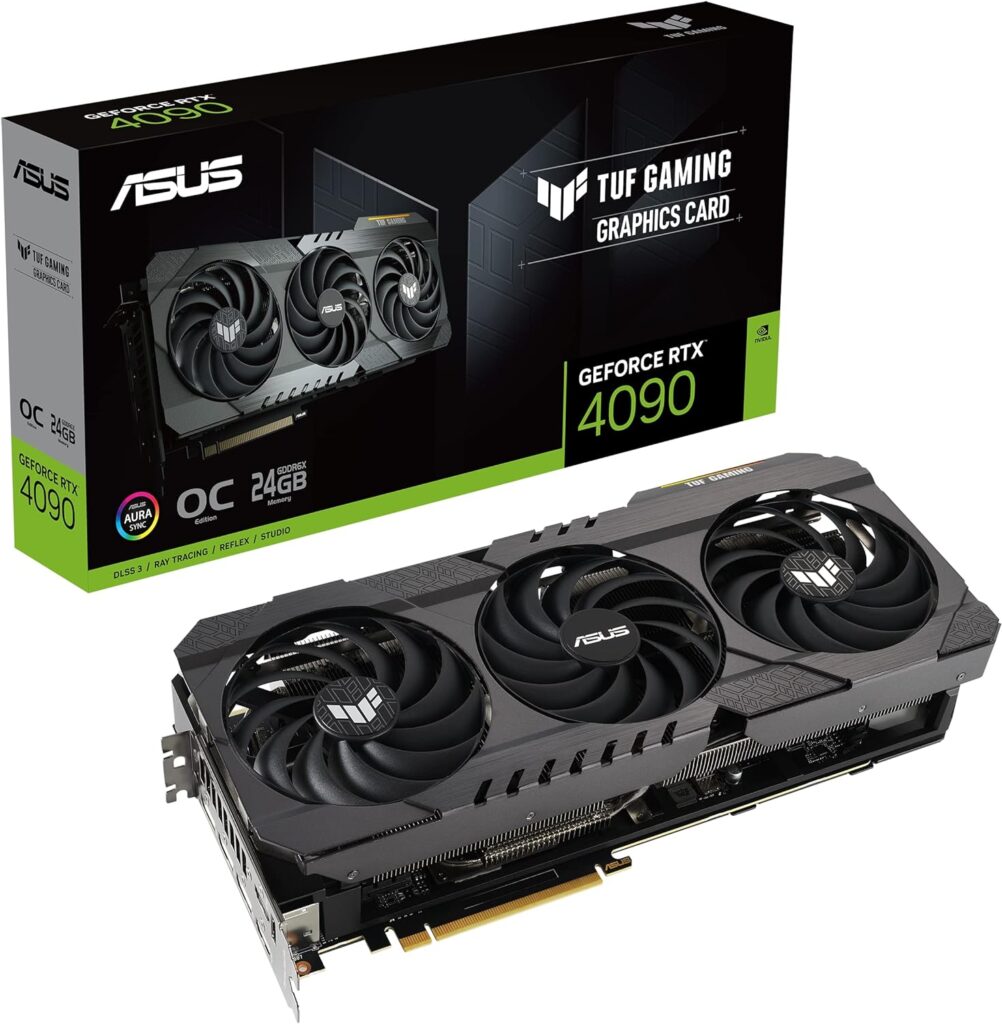
Matching the right GPU ensures you’re neither bottlenecking your graphics card nor overspending on a CPU you won’t fully use.
Cool Features in Modern Intel CPUs
- Intel Thread Director: Dynamically assigns tasks between performance (P-cores) and efficiency cores (E-cores).
- Intel AI Boost (Ultra): Speeds up AI-related workloads right on the CPU.
- Deep Learning Boost (DL Boost): Optimizes machine-learning tasks.
- Turbo Boost Max 3.0: Pushes your fastest cores to even higher clocks.
- PCIe 5.0 & DDR5: Preps you for next-gen graphics cards and ultra-fast memory.
- Gaussian & Neural Accelerator (GNA): Offloads audio/AI tasks to save power.
- Wi-Fi 7 & Thunderbolt 5 Support: Blazing networking and peripheral speeds.
Choosing the Right Intel CPU for You
- Everyday Office & Browsing
Go with Core i3 for solid performance at a budget price. - Balanced Performance & Gaming
Core i5 delivers the sweet spot for most gamers and content creators just starting out. - High-End Gaming & Streaming
Core i7 provides extra headroom for smooth gaming and quick video exports. - Professional Workloads & Enthusiasts
Core i9 or Core Ultra 7 give you the absolute best speeds for 3D rendering, AI research, and ultra-high-res gaming.
No matter which path you choose, pick your CPU based on the apps and games you use most. Check that your motherboard supports the generation you want, balance CPU and GPU power, and you’ll get a system that feels both snappy today and ready for tomorrow. If you’re buying a pre-built PC or laptop, look for reputable retailers or brands offering the latest Intel chips, so you can jump straight into work—or play—without delay.